
What you will be able to do
Use this guide to make a better decision.
- Decide whether the quote should be spoken, shown, or both.
- Keep on-screen quotations readable at a glance.
- Use the quote to change the pace or sharpen one point.
Quotes behave differently on slides. In an article, the reader can slow down. In a presentation, the audience is reading, listening, and deciding where to look. A quote that feels elegant in a document can become a wall of text on screen.
Good presentation quotes are not just good lines. They are good slide decisions.
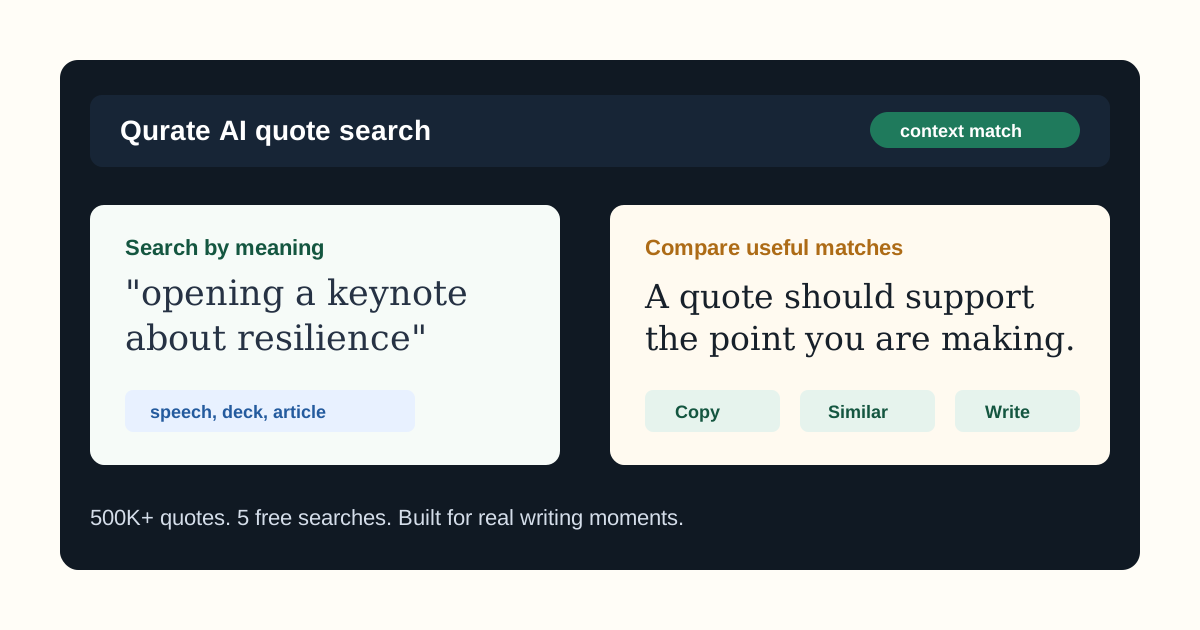
That means the quote has to be readable, relevant, and timed well. Qurate can help because you can search for the slide’s context rather than scanning generic quote lists. Describe the audience, message, and role of the slide, then compare quotes that fit the job.
Choose the quote’s slide role
A quote in a deck usually has one of four jobs.
It can open a section. This works when you want the audience to enter a new theme with a strong frame.
It can create contrast. A quote can show the gap between current thinking and the idea you are about to introduce.
It can support a point. A well-chosen line can add weight without turning the slide into a research appendix.
It can close a section. This works when you want people to remember the practical or emotional takeaway before you move on.
Do not search until you know the role. “Quotes for presentations” is a broad query. Try:
a short quote for a strategy slide about focus during rapid growth
Now the quote is attached to a real slide, not a vague theme.
Keep the quote readable
The simplest test is also the most useful: can someone read it quickly from the back of the room?
Before you place a quote on a slide, ask:
- Can it be read in under eight seconds?
- Does it fit without shrinking the type too far?
- Does the slide title make the quote’s purpose obvious?
- Can the audience understand why it is there before you explain it?
If the answer is no, shorten the quote, move it into speaker notes, or skip it.
When the presentation is also a speech, use the guide on finding quotes for speeches to decide whether the line should be spoken, shown, or both.
Search by slide message, not topic
Many decks get weaker because the quote search starts too broad. A slide about “innovation” might not need a quote about innovation. It might need a quote about patience, risk, customer empathy, focus, or learning from failure.
Search for the message the slide needs to carry:
- “A concise quote for a slide about saying no to protect focus.”
- “A practical quote for a product strategy deck about learning from customers.”
- “A reflective quote for a nonprofit presentation about hope after setbacks.”
- “A sharp quote for a leadership deck about making fewer priorities.”
This is where semantic quote search becomes useful. You are not asking the tool to match a word. You are asking it to match meaning.
Match the quote to the slide design
Quotes have visual weight. A single sentence in large type can become the whole slide. That can be perfect for a pause point. It can be distracting on a chart, table, or process slide.
If the slide already has a strong visual, use a shorter supporting quote or leave the quote out. If the slide is meant to slow the room down, give the quote space and let it carry the moment.
The rule is simple: the quote should either be the main visual or clearly support it. Anything in between tends to feel cluttered.
For campaign decks that will become social posts, the guide on quotes for social media campaigns shows how to adapt a strong slide quote for captions, launch posts, and teasers.
Build a shortlist before choosing
Do not pick the first decent quote. Build a shortlist of three to five options and compare them against the deck.
Ask:
- Which quote is easiest to read aloud?
- Which one best matches the audience?
- Which one needs the least explanation?
- Which one makes the slide stronger, not busier?
Qurate is useful here because it helps you compare quotes around the same idea instead of starting over with a new keyword every time.
Try Qurate on one real slide
Open a deck and choose one slide where the message needs a stronger frame. Write the slide’s point in one sentence, then search with that context.
Example:
a short quote for a presentation slide about choosing focus over constant expansion
Try Qurate for presentation quotes and use the free searches to test whether the matches fit your actual deck.
Continue in Qurate
Search with the context you have already worked out.
Bring the idea, audience, setting, and tone from this guide into Qurate, then compare the matches in your actual draft.

Written by
App Cradle Editorial Team
The App Cradle team writes from hands-on product work in quote discovery, writing tools, and semantic language exploration.
Continue learning
Take the next useful step.
 Speeches
How to Find the Right Quote for a Speech
A practical, human guide to finding speech quotes that fit the room, the point, and the tone without sounding pasted on.
Read the guideQuote SearchSemantic Quote Search: Find Quotes by Meaning, Not Just Keywords
A human guide to semantic quote search: how to find quotes by meaning, tone, and context when exact keywords are not enough.
Read the guideMarketingHow to Match Quotes to Social Media and Marketing Campaigns
A practical guide for marketers and creators who want campaign quotes that fit the audience, channel, and brand voice.
Read the guide